AI Voice Generator app icon

AI Voice Generator — turn text into natural speech

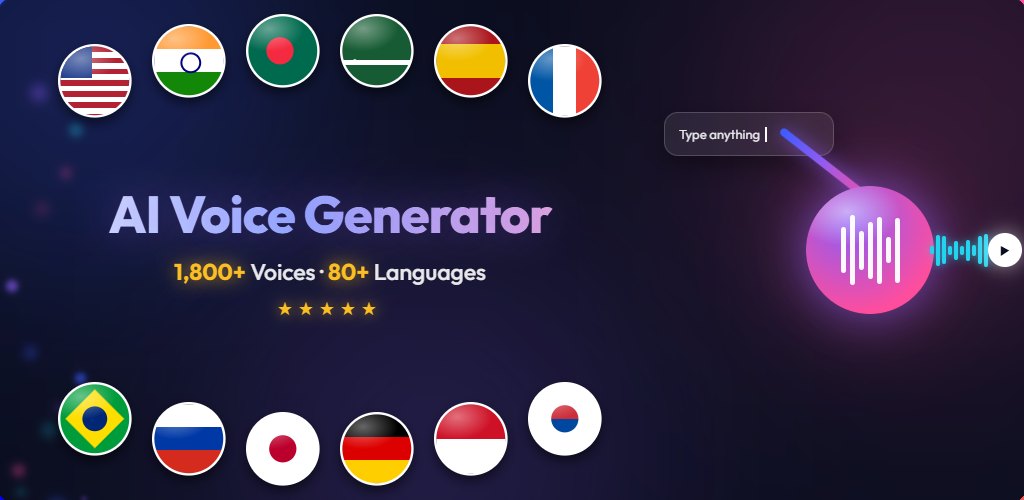
A free AI voice generator with 1,800+ ultra-realistic text-to-speech voices in 80+ languages. Paste your script, pick a voice, and download studio-quality audio in seconds.

1,800+ voices 80+ languages 3 quality tiers Free to use

Coming soon to Google Play

What is an AI voice generator?

An AI voice generator converts written text into spoken audio using synthetic voices modelled on real human speech. Instead of hiring a voice artist or recording yourself, you type or paste a script, choose the voice you want, and get a finished recording in seconds.

This app is a text-to-speech generator built for real work: long scripts are handled automatically, every voice can be previewed before you commit, and the audio you create can be downloaded, shared, or kept in a personal library for later. It runs on your phone, and the free tier needs no card and no account.

What can the app do?

It turns any text into downloadable speech using 1,800+ voices in 80+ languages, with three quality tiers, a personal library and free daily use. Built for creators, teachers, storytellers and anyone who would rather be heard than read.

🎙️

1,800+ realistic voices

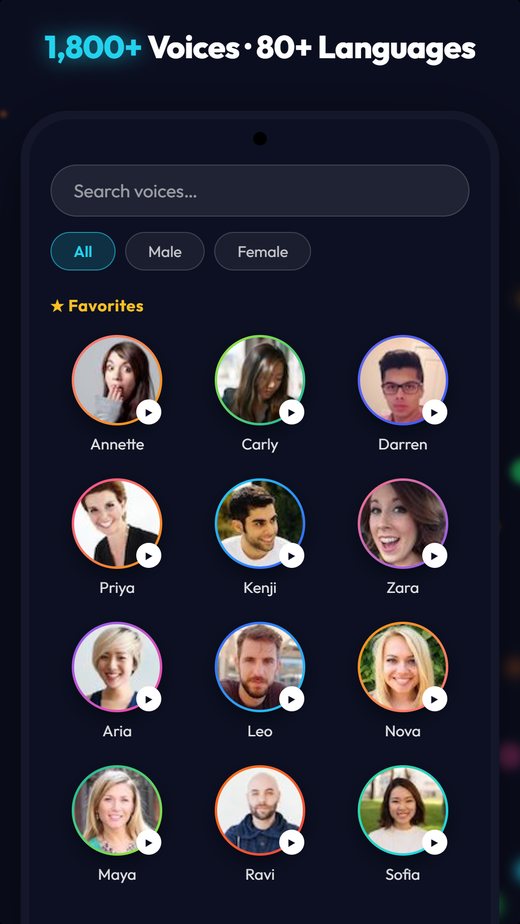
Male and female voices with real character — browse, favourite and preview every one before you use it.

🌍

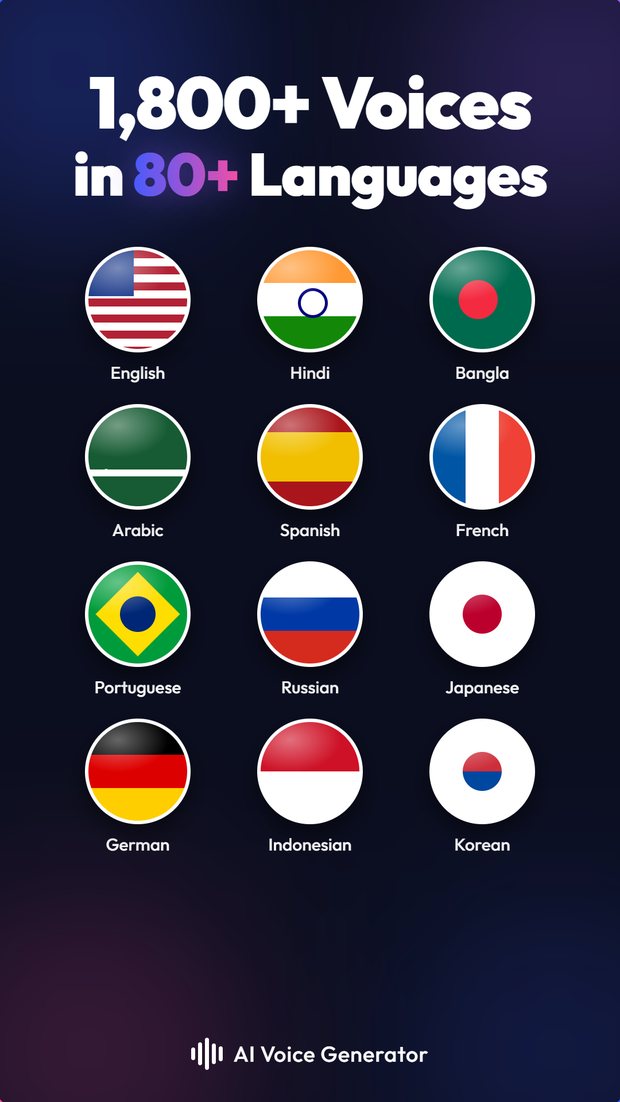
80+ languages

From English, Spanish and Chinese to Hindi, Bangla, Arabic, Japanese and Korean — with native accents.

⚡

Three quality tiers

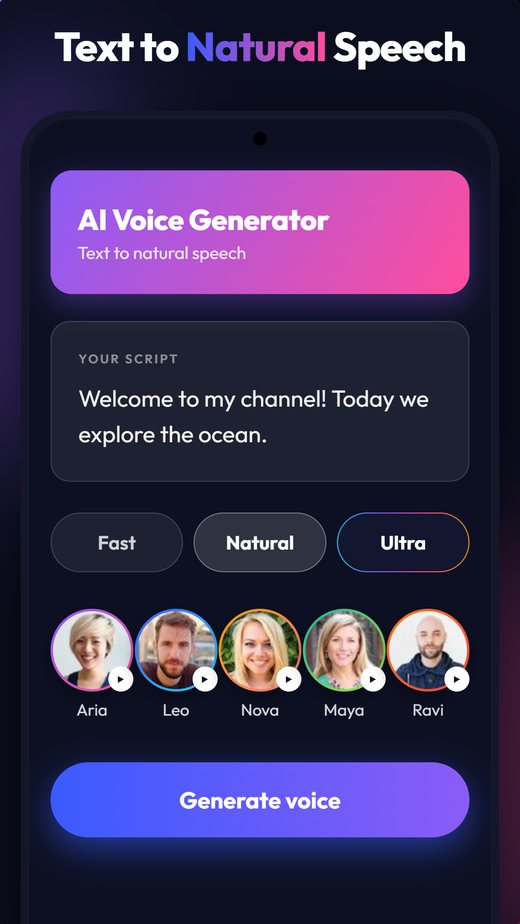
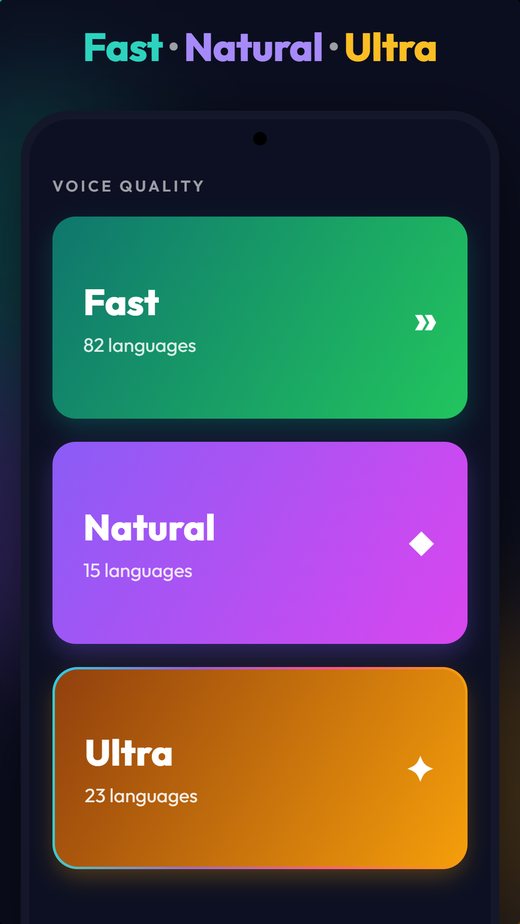
Fast for everyday text, Natural for expressive reads, Ultra for the most human-like result.

⬇️

Download & share

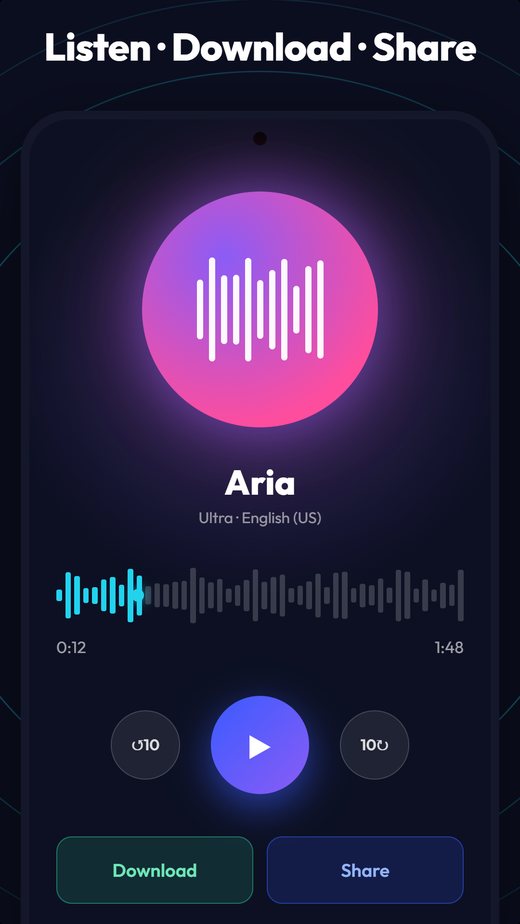
Save the MP3 to your device or send it straight to any app — the file is yours to use.

📚

Your own library

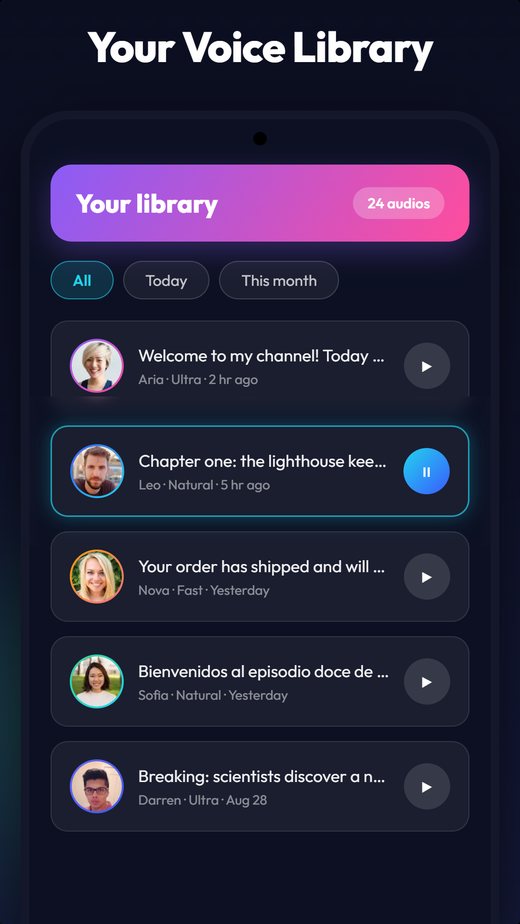
Every generation is kept so you can replay it, re-use the same voice, or delete it whenever you like.

✨

Free, with Pro

Generate free every day. Go Pro for unlimited voices and a completely ad-free experience.

What are the Fast, Natural and Ultra tiers?

They are three levels of voice realism: Fast covers the most languages and generates quickest, Natural is more expressive, and Ultra is the most human-like. All three are free to use — they differ in daily limits, not price.

Fast

Widest language coverage

The everyday engine: the quickest to generate and the tier with the most languages and regional accents. Ideal for narration, notes and long documents.

Natural

Expressive and warm

More emotion and better phrasing, which makes it a strong fit for storytelling, audiobooks and character work.

Ultra

The most human-like

Our best-sounding voices, with the subtlest intonation and pacing — the closest thing to a real recording session.

What do people use an AI voice generator for?

Most commonly for YouTube voice-overs, audiobooks and podcasts, e-learning narration, ads and phone prompts, accessibility, and localising one script into many languages.

▶️

YouTube voiceovers

Narrate videos without a microphone, in any language your audience speaks.

🎧

Podcasts & audiobooks

Turn written chapters and articles into listenable audio.

🎓

E-learning

Give lessons and course material a clear, consistent narrator.

📣

Ads & announcements

Produce promo reads, shop announcements and IVR prompts in minutes.

♿

Accessibility

Let anyone listen to text instead of reading it.

🌐

Localisation

Voice the same script in a dozen languages without a dozen voice artists.

See it in action

A quick look at the app.

AI voice generator home screen — paste your script and generate Browsing 1,800+ AI voices by language and gender Fast, Natural and Ultra text-to-speech quality tiers Listening to the generated voice, then downloading or sharing it Personal library of generated voice recordings AI voices available in 80+ languages

Which languages are supported?

82 languages, with 1,800+ voices in total. These are the real per-language voice counts, not a rounded marketing figure — tap any language for samples you can play.

Each language above has its own page with playable voice samples. See all 82 supported languages →

How do you generate an AI voice?

In three steps: paste your text, pick a voice, then generate — the audio is ready to play, download or share in seconds.

1

Type or paste your text

Drop in anything — a script, a paragraph, a whole article.

2

Pick a voice

Preview voices in your language and choose the one that fits.

3

Generate and download

Listen instantly, then download the audio or share it anywhere.

Frequently asked questions

What is an AI voice generator?

An AI voice generator turns written text into spoken audio using synthetic voices trained on human speech. You type or paste a script, choose a voice, and the app produces a natural-sounding recording you can play, download or share.

Is it free to use?

Yes. You can generate voices for free every day. A Pro subscription removes the daily limits and all ads, but the free tier is fully functional and needs no card.

How many languages and voices are supported?

More than 1,800 voices across 80+ languages, including English, Spanish, Chinese, Arabic, French, Hindi, Bangla, Portuguese, German, Japanese, Korean and Tamil. The counts above are the real numbers available in the app.

Can I use the audio on YouTube or commercially?

Yes. The audio you generate is yours to use in videos, podcasts, e-learning, advertising and other projects.

Do I need an account?

No. The app works without signing up. Creating a free account simply raises your daily generation limit and keeps your library across devices.

What is the difference between Fast, Natural and Ultra?

Fast covers the most languages and is quickest to generate. Natural sounds more expressive and suits storytelling. Ultra is the most human-like tier, with the subtlest intonation.

Can I download the audio file?

Yes. Every generation can be downloaded to your device or shared directly to another app, and it stays in your in-app library so you can replay it later.